
Building Admin Dashboards for Scale
Related Post



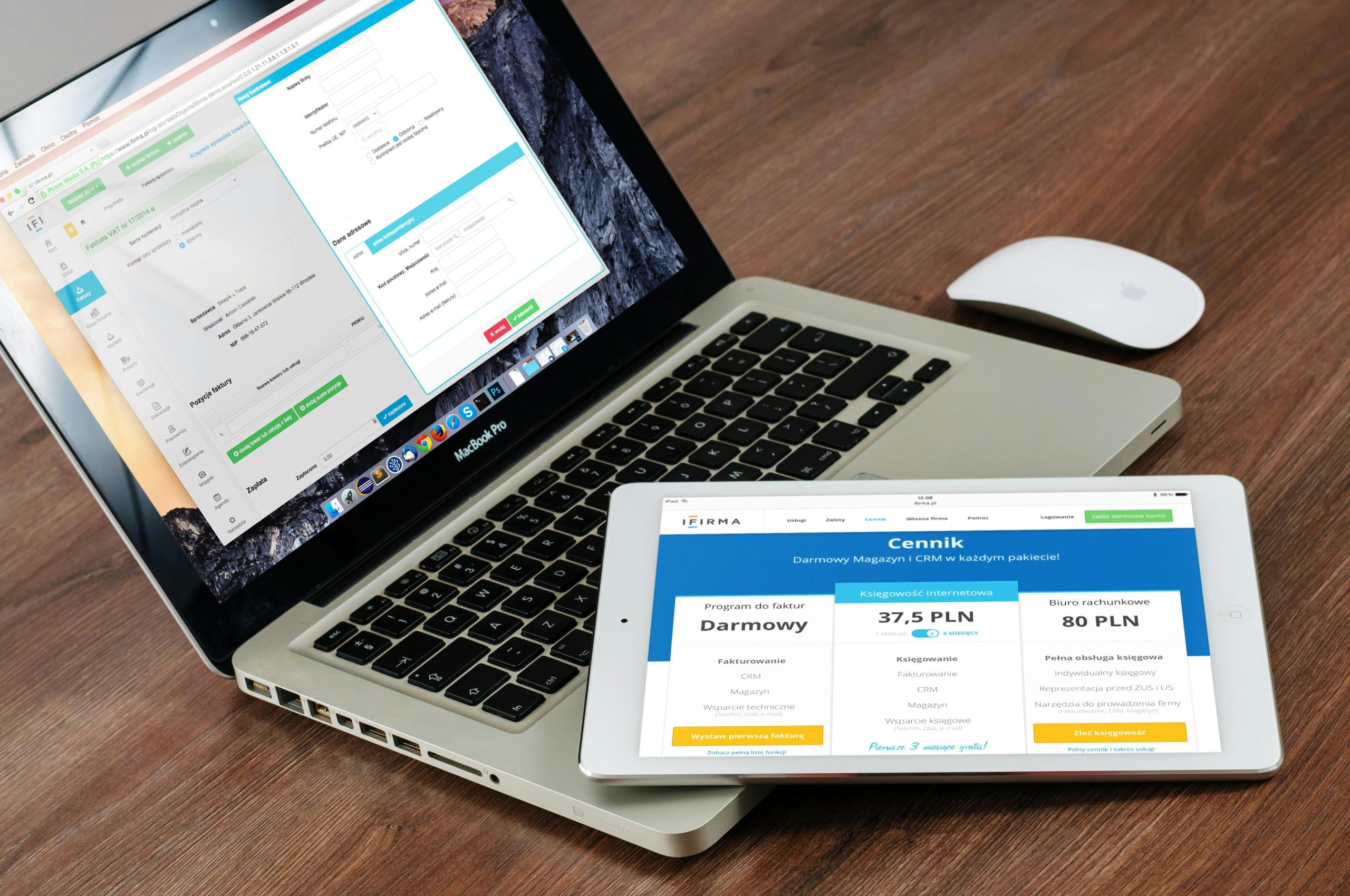

In e-commerce, growth doesn’t just happen on the storefront—it happens behind the scenes. As your product catalog expands, orders multiply, and markets diversify, your admin dashboard becomes the nerve center of your business.
At CloserWorks, we’ve designed and deployed custom admin dashboards for startups, global brands, and localized operations alike. These dashboards aren’t just pretty UIs—they are mission-critical tools for operations, fulfillment, inventory, finance, and customer experience.
In this post, we’ll share what it takes to build scalable dashboards that not only keep up with your business—but help it grow faster.
Why the Admin Layer Matters More Than You Think
Most brands invest heavily in frontend experiences: fast pages, beautiful product galleries, smart UX. But the admin experience often gets left behind—stuck with clunky third-party backends or a bloated plugin stack.
If your internal teams are navigating:
Slow-loading panels
Manual Excel exports
Inflexible bulk actions
Confusing permissions and roles
…you’re scaling with friction.
A modern admin dashboard fixes that. It empowers your ops, CS, logistics, and finance teams to act faster, collaborate better, and make data-driven decisions in real time.
5 Core Pillars of a Scalable Admin Dashboard
1.Fulfillment Control Panel
Your dashboard should give ops teams complete visibility and control over the order lifecycle.
Key Features:
Live order tracking and filtering (by SKU, region, priority)
Fulfillment status updates and courier API sync (e.g., CJ Logistics, Japan Post)
Bulk action support (e.g., batch print invoices, update tracking)
CloserWorks Use Case: For a Korean skincare brand, we built a fulfillment board that syncs real-time data from local couriers with internal stock locations and delivery zones.
2.Performance & Business Analytics
Scalable dashboards give your team access to the metrics that matter—no third-party BI required.
Key Features:
Sales reports segmented by region, product, campaign, or channel
Custom time-based comparisons (today vs last month)
Conversion, abandonment, and checkout funnel insights
Tech Stack: We often use Chart.js, Recharts, or custom D3 visualizations within Next.js + Tailwind UI components, fed by real-time APIs or ETL-pulled data.
3.Role-Based Access Control (RBAC)
As your team grows, permissions matter. You can’t afford accidental edits to pricing, discounts, or fulfillment logic.
Key Features:
Admin roles (e.g. Fulfillment, Marketing, Support, Finance)
Granular controls (e.g. view-only, edit access, approve-only)
Activity logs and version history
CloserWorks Insight: We implemented RBAC for a brand expanding into 3 Asian markets, each with its own local support team and language—minimizing cross-market data mistakes.
4.Searchable, Filterable Master Views
A scalable dashboard must support complex queries with instant results—whether it’s a customer support agent finding a refund case, or a warehouse manager checking inventory on a specific SKU.
Key Features:
Full-text, faceted, and tag-based search
Smart filters: price, location, date, status, shipping method
Saved views for repeat queries
Powered by: ElasticSearch, PostgreSQL full-text search, or Prisma-based queries, depending on stack.
5.Extensible Plugin Modules
You shouldn’t need a dev team to add a promotion or sync with an ERP. That’s why modern admin dashboards should be modular and extensible.
Plugin Examples:
Coupon and promotion engine
ERP or tax software sync (SAP, iU, QuickBooks)
AI co-pilot for support response generation
CloserWorks Architecture: Our dashboards are built headlessly, with plug-and-play modules connected via GraphQL or REST APIs. Admins only see the components they need, based on their role and market.
Real Case: Scaling Ops in Asia
Client: Mid-sized apparel brand launching in Korea and Japan
Challenge:
Each market had its own fulfillment partner
CS teams needed different permissions and languages
Weekly reporting was manual and inconsistent
Our Solution:
Built a unified admin backend with multi-market dashboards
Implemented courier integrations for CJ Logistics and Yamato
Added analytics boards localized per region
Delivered in 45 days using Next.js + MedusaJS admin APIs
Result:
70% less time spent on order-related support
+62% ops efficiency through batch updates and smart filtering
Scalable structure ready for 3 more regional expansions
Why Build Custom vs Use Out-of-the-Box?
Factor Off-the-Shelf Dashboards Custom Admin by CloserWorks Market-Specific Logic ❌ Limited ✅ Built per region Performance ⚠️ Sluggish at scale ✅ Optimized for API performance UX Consistency ❌ Plugin patchwork ✅ Unified, brand-consistent Data Flexibility ❌ Hard to modify ✅ Total control & extensibility If your brand is growing fast—or entering localization-heavy markets—a custom admin dashboard isn’t a luxury. It’s a strategic advantage.
Our Dashboard Development Process
Discovery & Stakeholder Mapping
Understand how teams interact with the backendDashboard Wireframing
Role-specific layouts for ops, support, fulfillment, and financeCustom API Integration
Plug into your ERP, PG, logistics, and analytics toolsFrontend Build (React/Next.js)
Scalable UI with animations, graphs, and role controlQA & Localization
Language packs, keyboard support, RTL/vertical UX if needed
Final Thoughts: Scale Is an Inside Job
Your admin dashboard isn’t just a backend—it’s your business command center. The more scalable, efficient, and localized it is, the more power your team has to grow faster, serve better, and adapt smarter.
With CloserWorks, you get more than code—you get a system designed around your real-world operations.
FAQ
Frequently Asked Questions
Can I connect a custom dashboard to Shopify or MedusaJS?
Yes. We often build custom admin panels for both, using their APIs or building new middleware as needed.
How long does it take to build one?
A fully scoped MVP takes 30–60 days depending on complexity and integrations.
Can dashboards be multilingual or regionalized?
Absolutely. We support i18n, per-market permissions, and even per-region modules.